
Stay secure! Scammers impersonating Dash may target you via fake Facebook pages or SMS phishing. Beware of clickable links on SMSes and do not share your OTP, bank account or credit/debit card details with anyone over the phone, SMS or email. The Dash team will never request for such information from our customers. | The Dash Remittance Terms & Conditions will be amended on 16 April 2026. The updated Dash Remittance Terms & Conditions effective from 16 April 2026 are available here.
icon loader
Loading

Instant Top-up

Instant top-ups at your fingertips

Singtel Prepaid Account
Top-up

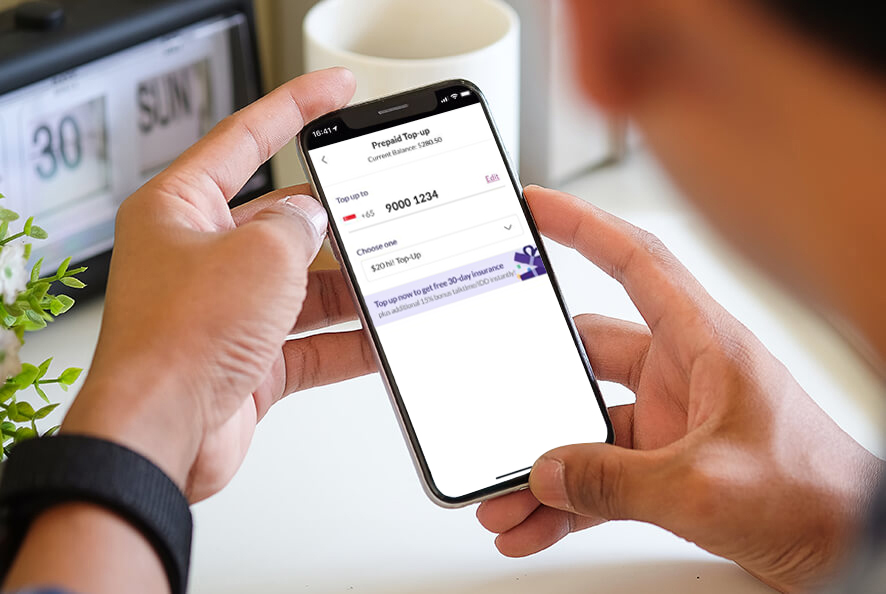
Low on balance? Top up your Singtel hi! SIM card with the Dash app.
Instant top-ups at your fingertips

How do I top up my Singtel Prepaid Account?

01

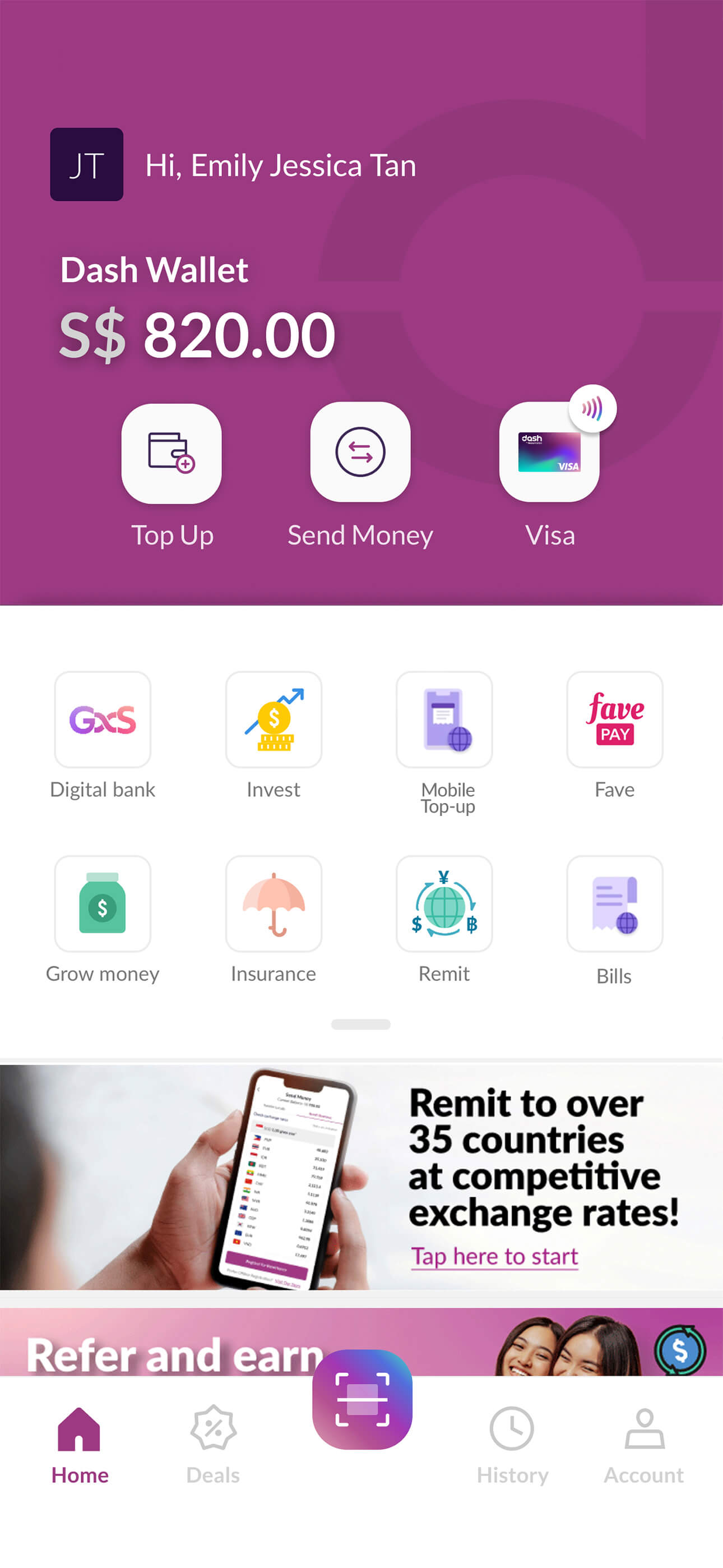
Select ‘Mobile Top-up’

Select to top up your Singtel Prepaid Account
on your Dash app.

frame--iphone
Select Mobile Top-up
02

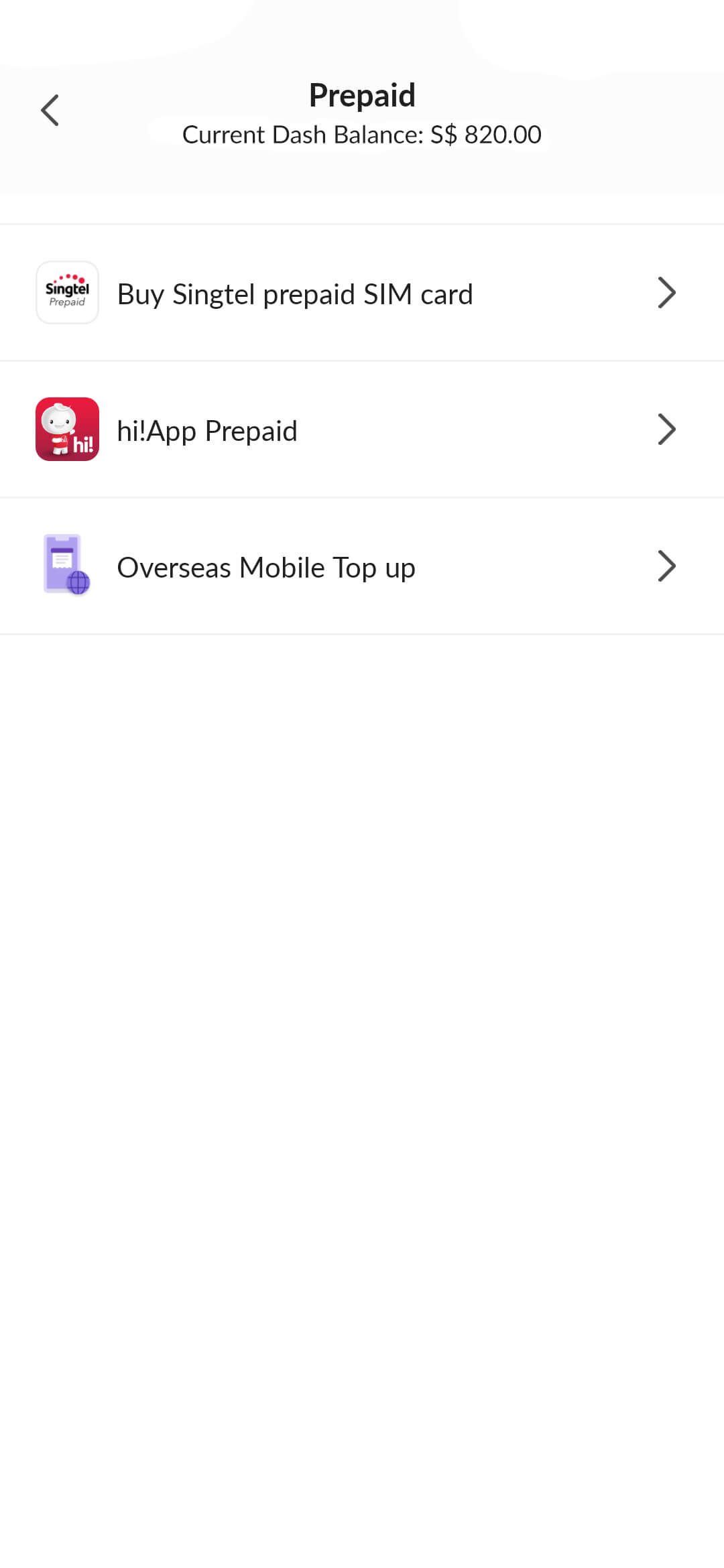
Select ‘hi!App Prepaid’

frame--iphone
Select hi!App Prepaid
03

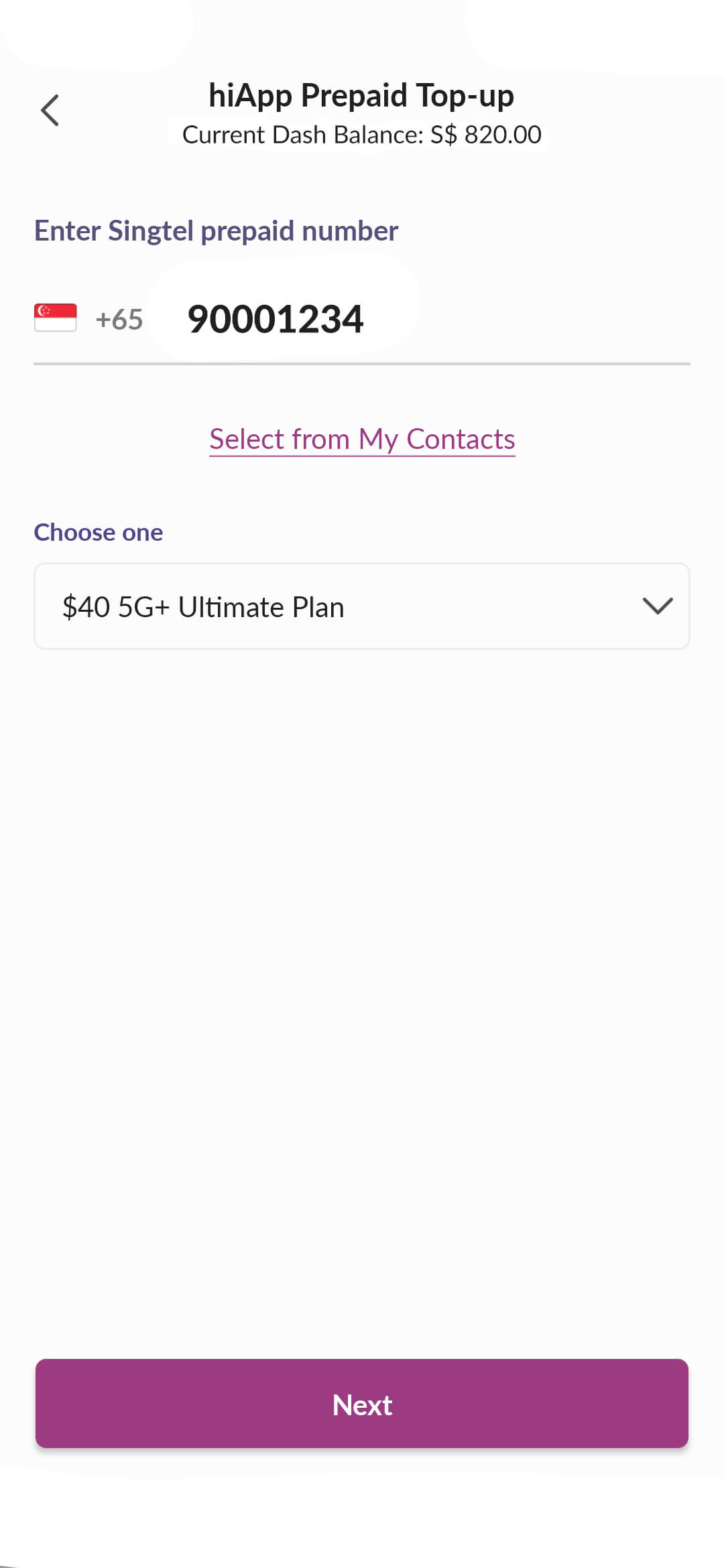
Key in mobile number

Key in the Singtel Prepaid mobile number or select from your contact list.
Choose your preferred top-up amount or plan.
frame--iphone
step--topup--prepaid
04

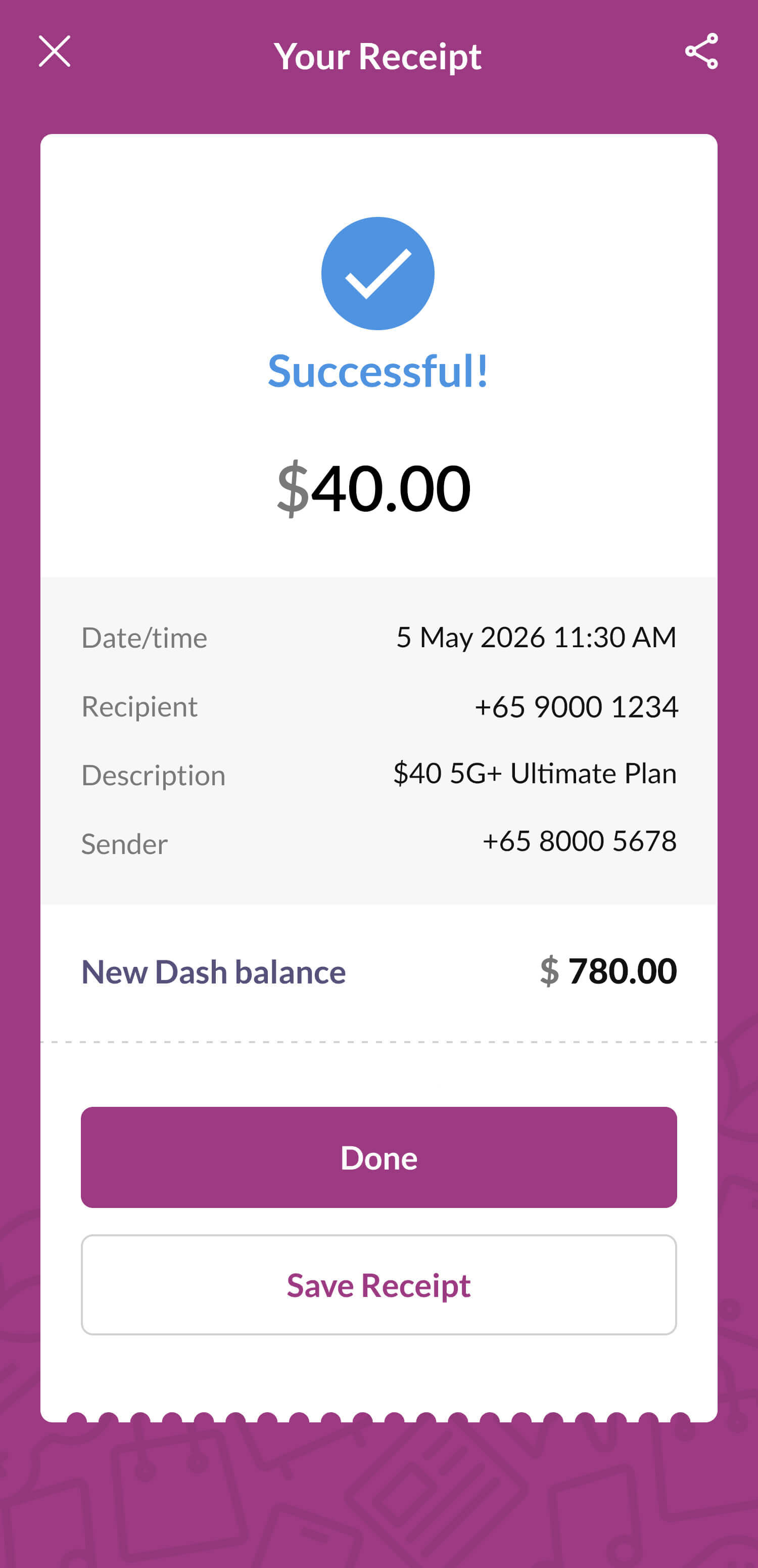
Top up completed!

Your Singtel Prepaid Account has
been topped up successfully.
frame--iphone
step--topup--prepaid